
Last updated October 30, 2026
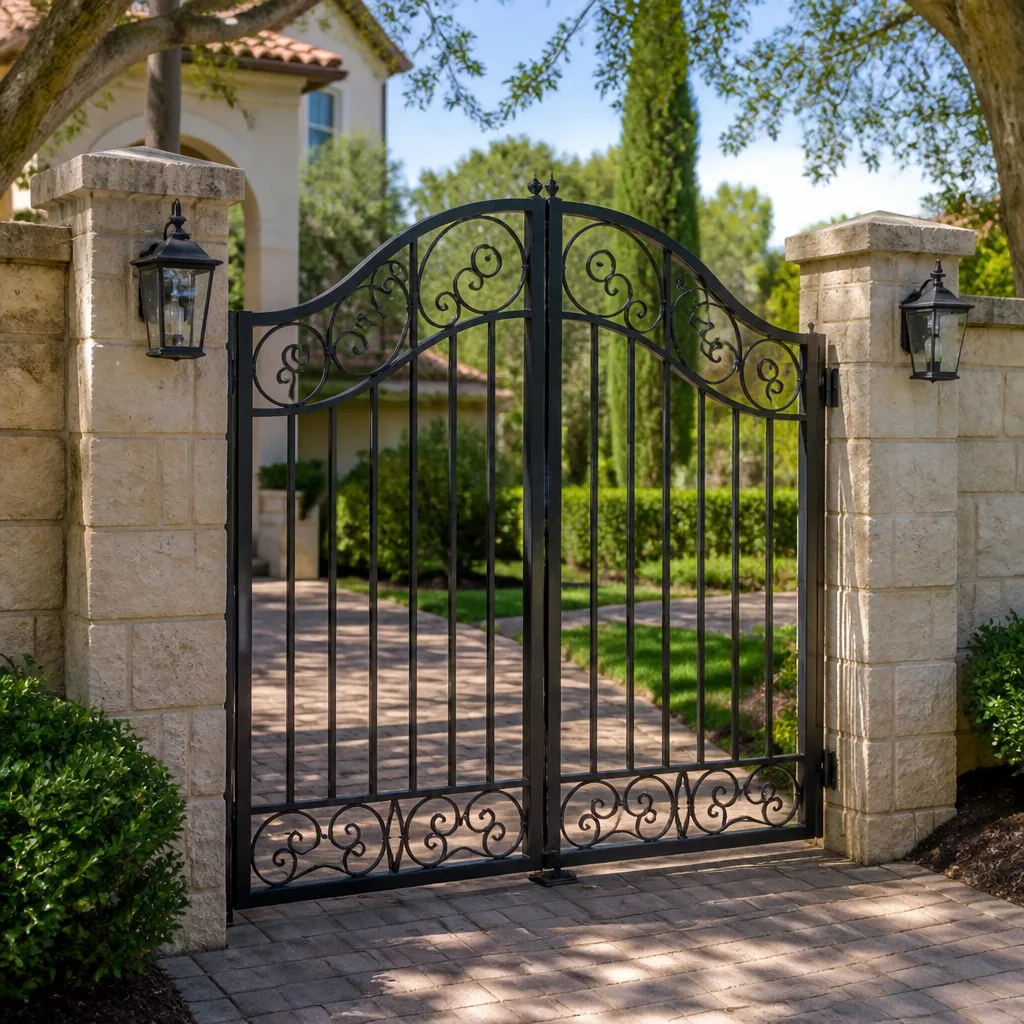 Wrought iron
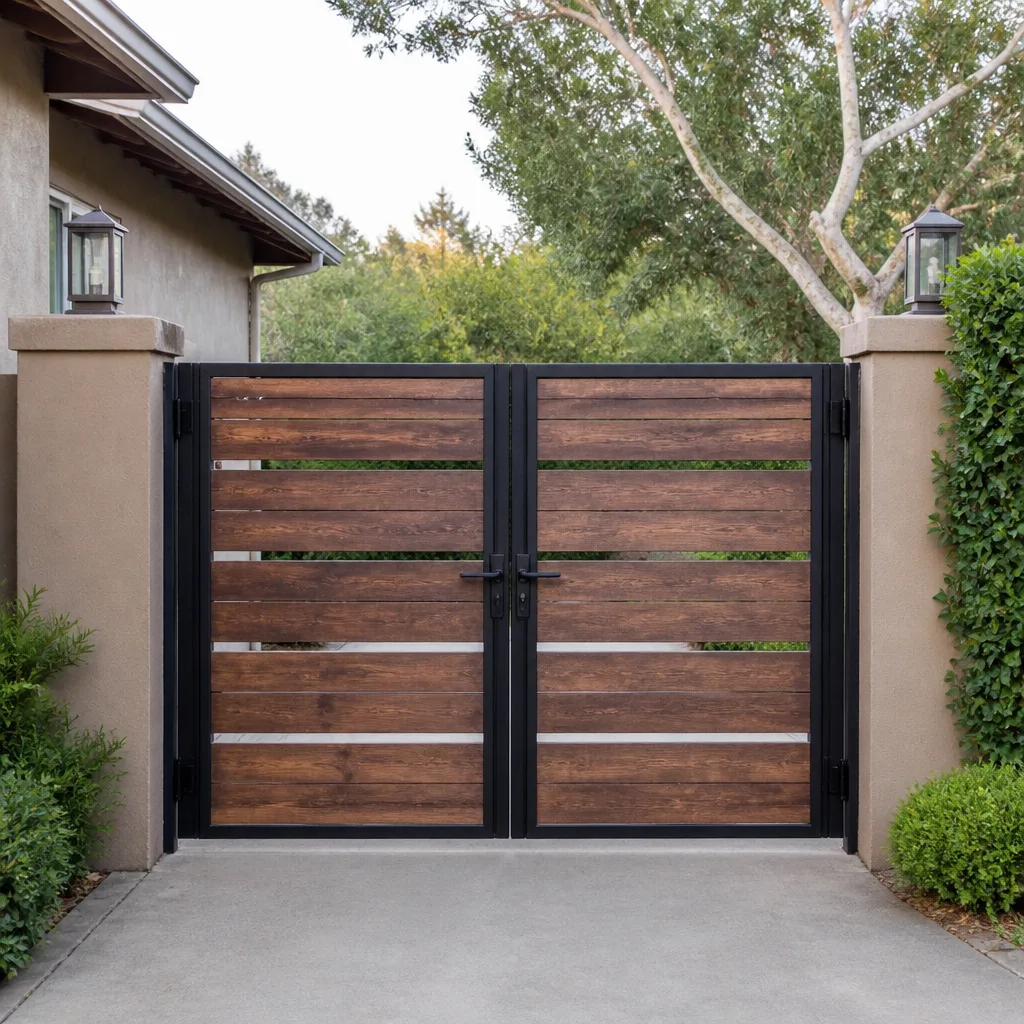 Wood & steel frame
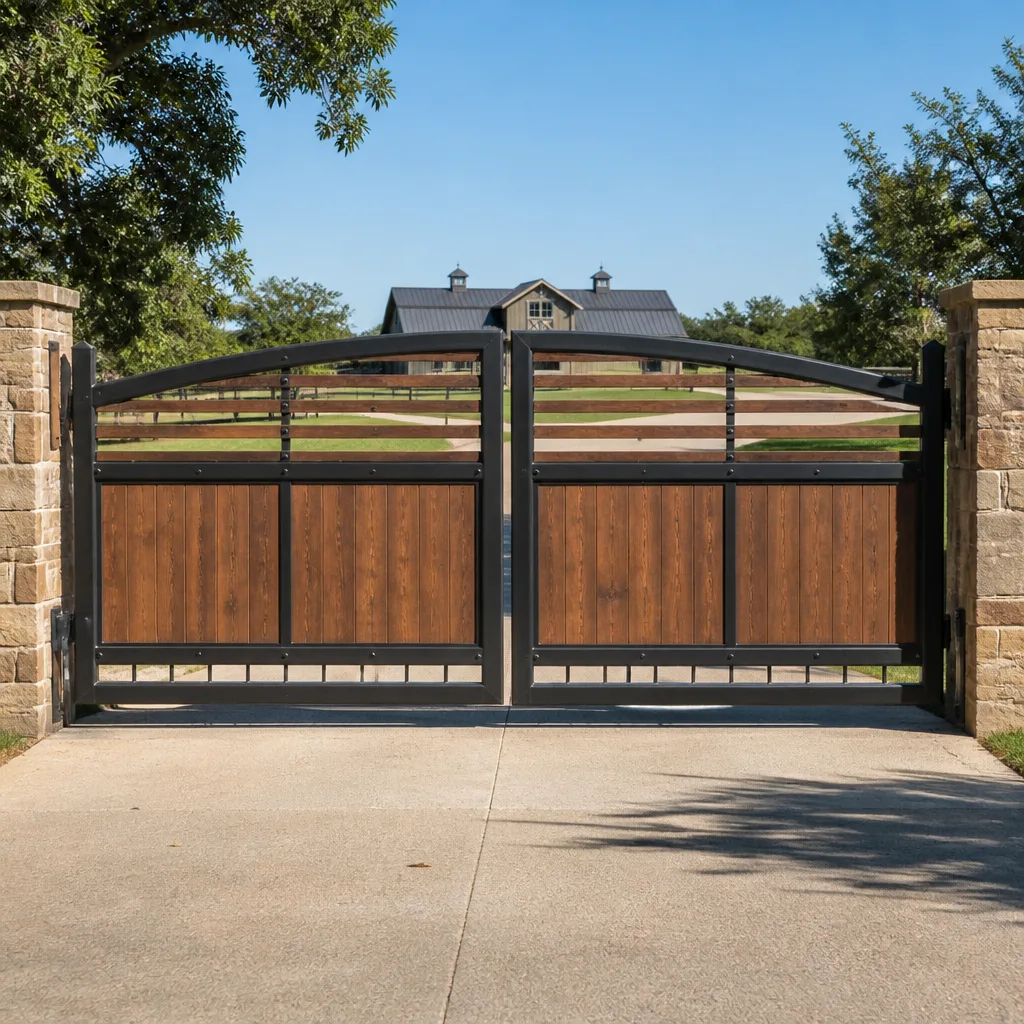 Farm & ranch
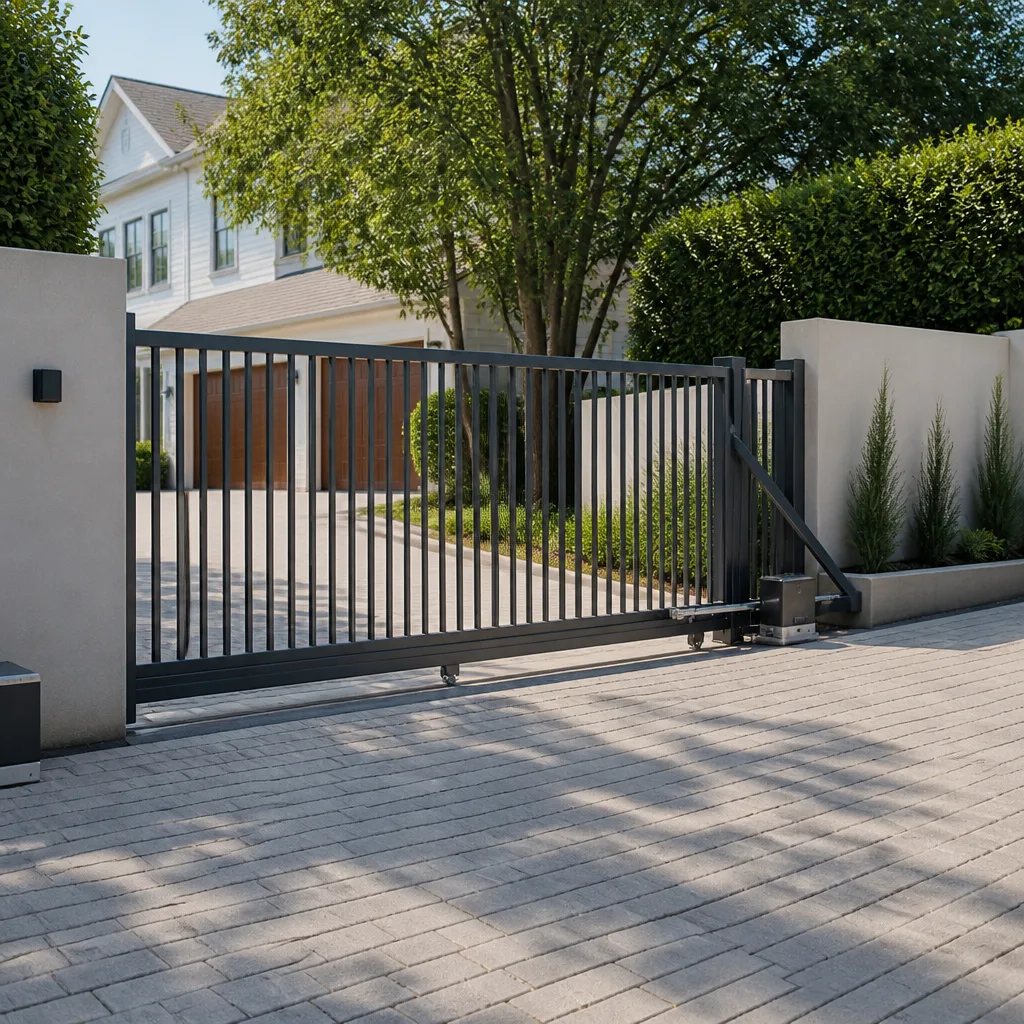 Sliding driveway gates
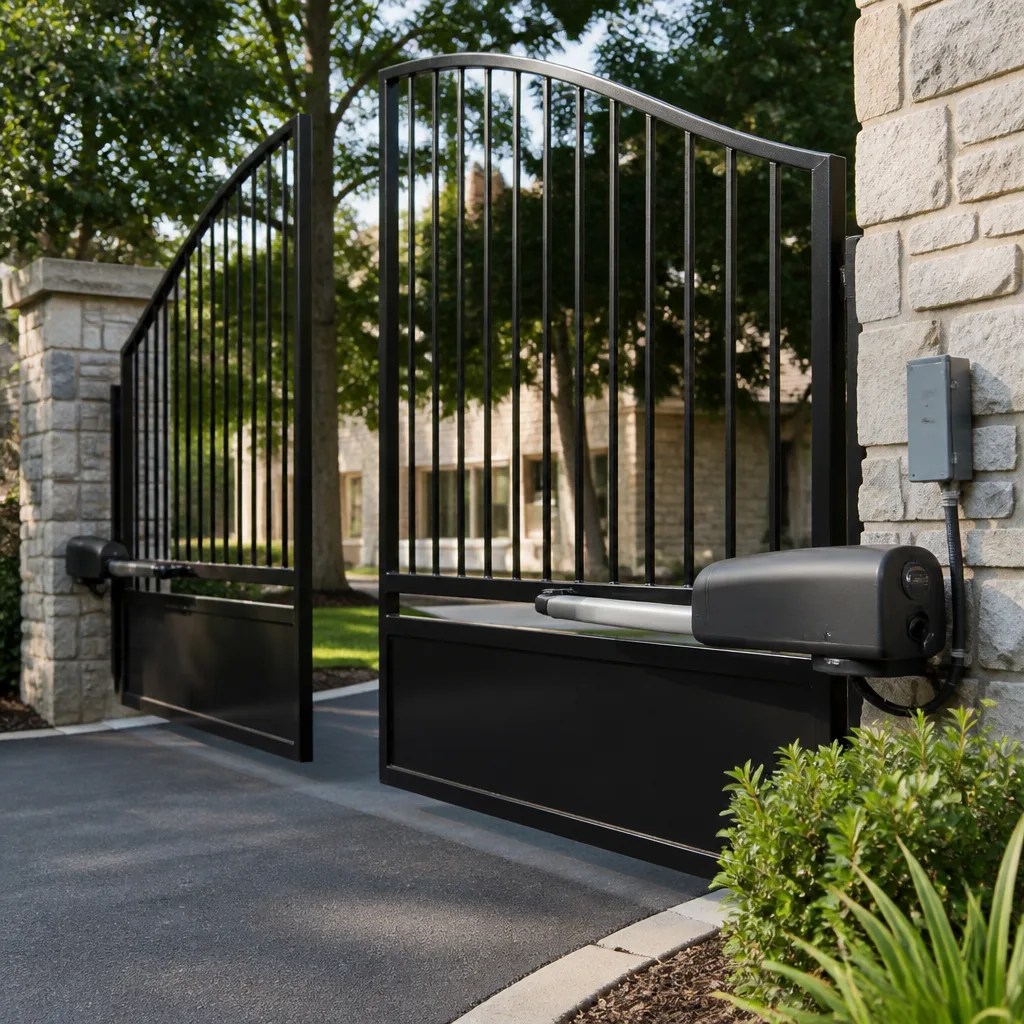 LiftMaster operators
Free on-site gate assessment - hinges, posts, and your LiftMaster or Nice gate operator checked before anything is quoted
The assessment is free and the quote is the invoice.
Get your free estimateGate Repair Troubleshooting: Common Problems and How to Fix Them
A gate that reverses immediately after opening is not a sensor problem 40% of the time. It’s a limit switch or an obstruction in the travel path, and replacing sensors first will cost you a second service call. That’s the gap this guide closes. Most troubleshooting articles treat every gate as the same machine, but a Mighty Mule on a residential driveway shares almost nothing with a Viking commercial operator on a Riverside warehouse. What they do share is observable behavior, and that’s how we’ll map symptoms to causes here: what the gate does, what it sounds like, and when it fails. We work on gates exclusively in Riverside, and we’ve seen every failure mode this guide covers as part of our Gate Repair services.
Styles & brands we work with
Quick Answer
Most automatic gate failures trace to one of five causes: a dead or undersized battery, a blown fuse or tripped breaker, a misaligned photo eye or safety edge, a failed limit switch, or a control board that has stopped sending commands. Start by confirming the gate has power, then observe exactly what the gate does when commanded. The specific behavior, the sound it makes, and whether the failure is consistent will identify the correct culprit in about 80% of cases before you ever remove a cover panel.
Table of Contents
- Gate Won’t Move at All
- Gate Moves Then Stops Mid-Travel
- Gate Opens but Won’t Close
- Gate Is Slow, Grinding, or Making Unusual Noise
- Gate Opens Randomly or on Its Own
- Remote or Keypad Stopped Working
- When a Symptom Pattern Means a Safety Code Violation
- Common Mistakes to Avoid
- When to Call a Professional
- Frequently Asked Questions
- The Bottom Line
Gate Won’t Move at All
This is the most common call we get for gate repair in Riverside, and it divides cleanly into two branches: the operator is completely silent, or the operator hums but the gate doesn’t budge. Those are different problems with different fixes.
A completely silent operator almost always means no power is reaching the board. Check these in order:
- Is the outlet or breaker live? This sounds obvious, but we’ve diagnosed this from “the gate worked yesterday” calls more times than any other single fault. Riverside’s summer heat can trip breakers that have been fine for years. Check the GFCI outlet if the operator plugs into one, those degrade over time and trip more easily as they age.
- Is there a disconnect switch or kill switch? Some installers add a manual disconnect near the operator. If someone pulled it during a power outage, the gate will stay dead until it’s reset.
- Are the fuses on the control board intact? Most residential operators have one or two glass or blade fuses protecting the board and accessory power. A blown fuse here means something downstream shorted, so don’t just replace it, find out why it blew.
- Is the battery dead? Solar-powered systems, which are common throughout Riverside because of the climate, rely on a battery bank. A three-year-old battery in direct Riverside sun is often dead by year two. If your system is solar and the gate has been “acting tired” for weeks, this is your answer.
If the operator hums but the gate doesn’t move, that’s a mechanical or capacitor problem. The hum is the motor getting power but being unable to turn the mechanism. On a chain-drive system, look for a bound chain or a seized drive gear. On most residential operators, the start capacitor is the prime suspect; a failed capacitor sounds like a low, continuous hum that doesn’t change pitch. We keep capacitors for Linear, Ghost Controls, and DoorKing on our trucks in Riverside because this is such a frequent fix.
Gate Moves Then Stops Mid-Travel
A gate that starts strong and stops partway through its travel is reporting one of three things: the operator is hitting a current-sensitivity limit, the limit switch is triggering early, or the board is reading a safety input as tripped.
Current sensitivity is the operator’s built-in force protection. Every operator is set to detect excessive current draw and reverse or stop before it damages itself or injures someone. If the gate is binding on its track or hinges, the motor pulls more current, hits the sensitivity threshold, and stops. The fix is mechanical: clean and lubricate the track, check the gate’s weight balance, and inspect rollers for wear. A gate that’s heavy to push by hand will always trip a sensitivity limit, no matter how many times you adjust the knob.
Early limit-switch triggering is trickier. On a sliding gate, the limit switch assembly lives near the operator and reads the gate’s position magnetically or mechanically. Riverside dust and gravel fines work their way into these assemblies and cause false triggers. Blow the limit switch area clean with compressed air and retest. If the gate stops at exactly the same spot every time, that’s almost always the limit switch, not the gate.
Safety inputs stopping the gate mid-travel usually involve a damaged safety edge or a photo eye losing alignment as the gate moves. Photo eyes on gate posts can shift when a post settles or when someone bumps it with a car. If the gate stops at a different point each time, that’s your clue to check the safety loop wiring and the edge sensors.
Gate Opens but Won’t Close
This is the classic symptom pattern that gets misdiagnosed as a sensor failure when it’s actually a limit or obstruction issue. The logic on most control boards is straightforward: the gate will happily open because opening creates fewer safety demands, but closing requires the board to verify that every entrapment protection input is clear before it will run the close cycle.
The ranked order of causes we see in Riverside:
- Photo eye misalignment or obstruction. If anything crosses or blocks the beam, most boards refuse the close command. This includes spider webs, leaf litter, Riverside’s notorious dust coating, and even direct sunlight hitting the receiver at certain times of day. Clean the lenses and confirm the alignment indicator is steady.
- Safety edge or loop detector showing as tripped. A safety edge that’s degraded or a loop detector stuck in “detect” will make the board believe a vehicle is permanently sitting on the loop. The gate will open, then refuse to close. Test edging with a multimeter for continuity and inspect loop detector LEDs.
- Limit switch failure on the open side. If the open limit switch fails in the “open” position, the board believes the gate is already fully open, so it sees no reason to close. This is the 40% case from the opening: replacing sensors won’t fix a false limit reading.
- Obstruction in the travel path. A rock from a Riverside windscreen, a landscape border shifted by rain, or a branch from a nearby tree is all it takes. The gate’s obstacle detection stops the close cycle.
Run through those four in order before you assume a sensor is bad. And if the gate reverses immediately after starting to close, that’s the same list: the board is reading a safety input as active the instant close begins.
Gate Is Slow, Grinding, or Making Unusual Noise
Sound is the most underrated diagnostic tool in gate troubleshooting. Each mechanical failure has a distinct signature if you listen for it.
A failing capacitor presents as a low, steady hum that doesn’t change regardless of load. The gate may also struggle to start but run fine once moving. This is common on older Linear and Ghost Controls residential units that have been in place for five or more summers. Riverside heat accelerates capacitor drying, and this failure tends to appear in August or September.
A worn drive gear sounds like a rhythmic knock or click that matches the gate’s speed. On chain-drive systems, it’s sharper; on belt-drive, it’s softer but still rhythmic. Ignore it and the gear strips entirely, at which point the operator hums and the gate doesn’t move at all.
A grinding or squealing noise at the wheel or roller level is mechanical, not electrical. Dry or rough-riding wheels on concrete or metal track create a grinding that travels through the gate leaf. Lubricate the wheels with a dry lubricant designed for gate hardware, not WD-40. If you’re greasing track in a Riverside summer, use heavier lubricant that won’t thin out in the heat.
A binding hinge makes a low groan, often accompanied by the gate slowing at the same travel position each cycle. The hinge is dragging, which increases current draw, which eventually trips the sensitivity stop. Gate leaves that have sagged over time are especially prone to this.
For electric gate repair in Riverside, we also listen to the operator’s motor bearings. Motor bearing wear sounds like a constant growl that doesn’t stop when the gate stops moving. That’s an operator teardown, not a field fix.
Gate Opens Randomly or on Its Own
A gate that opens without command is more than a nuisance; it’s a security problem. The causes are almost always electrical or signal-related, not a possessed control board.
The most common cause is radio frequency interference. Here in Riverside, a surprising number of random-open calls trace to a new neighbor device: a HAM radio operator, a newly installed garage door opener on the same frequency band, or even a failing transmitter from another system that’s stuck in broadcast. If your gate uses a 318 MHz or 433 MHz receiver, and someone nearby added a device on the same frequency, you’ll get random activations. The fix is often as simple as changing the frequency or switching to a rolling-code receiver.
The second cause is a shorted or corroded keypad or push-button wiring. A keypad exposed to Riverside sun and heat can develop internal shorts that mimic button presses. Disconnect the keypad temporarily and see if the random opens stop. If they do, replace the keypad.
The third cause is a loop detector riding an eddy current. In commercial settings around Riverside, vehicle loops in the pavement can false-trigger from nearby power lines, transformers, or even large metal objects moving near the loop’s field. Replacing the loop or adjusting the detector’s sensitivity handles this.
The fourth cause is a control board with a failing relay or processor. This is the last thing you suspect but the first thing a less experienced technician blames. If you’ve ruled out interference, keypads, and loops, then the board becomes a credible suspect. DoorKing and Viking boards are robust but not immortal, and Riverside’s heat stress shortens their life in commercial installations where the enclosure gets direct afternoon sun.
Remote or Keypad Stopped Working
Remote and keypad failures are almost always antenna or interference issues before they’re hardware failures. Rule those out before you buy a replacement remote.
Remote range shrinks or dies: Check the operator’s antenna. If it’s a small wire antenna, make sure it hasn’t been broken off, tucked inside the metal enclosure, or chewed by rodents (we see this constantly in Riverside garages and equipment enclosures). A broken antenna on a metal operator housing is the single most common cause of “remote stopped working from the car but the keypad still works.” Also check the remote battery; a weak battery reduces transmission power and shortens range gradually rather than failing all at once.
Keypad works but remote doesn’t, or vice versa: That’s a programming issue or a frequency mismatch. Relearn the remote following the operator’s programming sequence. Ghost Controls and Mighty Mule systems are especially particular about programming order, and a skipped step results in a remote that blinks but doesn’t command the gate.
Everything stopped at once: If the keypad, remotes, and any hardwired interior button all fail simultaneously, the receiver or the control board’s input circuit has failed, not every handheld device. Test the interior button first; if it works, the receiver electronics are suspect. If nothing works including the hardwired button, the board is not reading inputs and needs bench diagnosis.
Frequency interference also masquerades as remote failure. If your remote works at noon but not at 6 PM, or it works from one side of the driveway but not the other, you’re likely dealing with interference, not a dead remote. LED bulbs inside the house near the operator plug can also inject noise that kills remote range; try unplugging nearby LED lights as a quick test.
When a Symptom Pattern Means a Safety Code Violation
UL 325 is the entrapment protection standard that all automatic gate operators must meet. If your gate exhibits certain behaviors, it may be legally unsafe to operate until corrected. These are not optional fixes; they’re code requirements, and a gate that violates them puts you and anyone using the gate at risk.
Symptoms that suggest a UL 325 compliance problem:
- The gate reverses after hitting an obstruction but only after significant force, not immediately. This means the entrapment protection isn’t functioning correctly.
- The safety photo eye or safety edge has been bypassed or disconnected and the gate still operates. If someone disabled a safety device to stop false trips, the gate is not code-compliant.
- The gate shows no reversal when the photo eye beam is blocked during closing. Test this; if the gate keeps closing with the beam broken, the entrapment protection is dead.
- The close force is set high enough that the gate can hold against a resisting adult. That’s an entrapment hazard.
Any of these conditions legally requires professional correction before the gate can be used. In Riverside, a gate that fails UL 325 is also a liability exposure for property managers and landlords. Don’t adjust force settings upward to “fix” a gate that won’t close; you’re compounding the problem and creating a safety hazard. We see this in DIY repairs frequently, and the cost to undo them is always higher than the original fix would have been.
If your gate was installed before UL 325 requirements tightened, or if you’ve inherited a system on a commercial property, we recommend a safety audit as part of any gate repair in Riverside. The average cost of a compliance correction is far less than the legal exposure of a non-compliant gate on a rental property.
Common Mistakes to Avoid
- Replacing photo eyes before checking the limit switch. As stated in the opening, up to 40% of “reversing gate” calls are limit or obstruction issues, not sensor problems. Replacing sensors first wastes money and doesn’t fix the gate.
- Adjusting force settings to overcome a mechanical problem. If the gate binds or drags, raising the force setting masks the issue but creates an entrapment hazard and accelerates mechanical wear. Fix the binding first.
- Ignoring a dead battery on a solar system. Riverside’s sun is generous, but batteries still die. A solar gate that works during the day and fails at night is almost diagnostic of a battery nearing the end of its life. Replacing the panel won’t fix it.
- Lubricating the track with WD-40 or grease. Wet lubricants attract Riverside dust and grit, turning your track into grinding paste. Use dry or heavy lubricants formulated for gate hardware.
- Trying to relearn remotes before confirming the physical antenna is intact. If the antenna is damaged, reprogramming remotes is wasted effort. Inspect the antenna and the receiver wiring first.
- Resetting the control board by cutting power repeatedly to “clear” a fault. Boards with persistent faults will re-fault after reset. The fault is information; cutting power erases it. Read the LED code or symptom before resetting.
- Assuming a gate that opens but won’t close has a “bad board.” The board is usually doing exactly what it’s told by a safety input. Find the input that’s telling it to refuse the close command.
When to Call a Professional
Call a professional when the gate exhibits any UL 325 safety violation, when the control board shows fault codes you can’t interpret, when the gate’s mechanical components are heavy enough to injure someone during disassembly, or when you’ve replaced a part and the symptom didn’t change. See How to Hire a Gate Repair Contractor in Riverside: A Step-by-Step Guide for help choosing the right technician. A gate that has a failed capacitor is safe to diagnose but not fun to replace if you’re not familiar with capacitor discharge procedures. The same goes for high-current motor wiring and any commercial operator with stored energy in its springs or counterweights. Riverside Gate Company offers free estimates in Riverside, call (855) 942-4867. We work on the brand you have, from Ghost Controls to Viking, and we arrive with parts, not just opinions.
Frequently Asked Questions
Gate repair in Riverside typically runs $125 to $450 for most residential fixes, with control board replacements reaching $600 to $1,200 on commercial systems. Exact pricing depends on the brand, the failed component, and whether the operator is residential or commercial. Riverside Gate Company quotes every repair before work begins, call (855) 942-4867 for a free estimate.
Yes, most residential gate repairs in Riverside are completed same-day when common parts are needed. Solar battery replacements, capacitor swaps, photo eye alignments, and limit switch adjustments are all same-day work in most cases. If a control board or commercial operator part needs to be ordered, we’ll tell you the timeline before you commit to the repair.
A gate that opens by itself at night is usually responding to radio frequency interference, a shorted keypad, or a false-triggering loop detector. The time-of-day pattern often points to a neighbor device that’s only active at night, such as a garage door opener or security system on the same frequency. We’ll isolate the source before recommending a fix.
Yes, we repair Mighty Mule and Ghost Controls systems along with LiftMaster, FAAC, BFT, Linear, Viking, DoorKing, and Elite. These DIY-grade brands often get turned away by commercial gate companies, but we take them on regularly as part of our electric gate repair specialty.
A gate installation in Riverside typically includes the gate structure, operator selection and mounting, control board programming, safety devices, and power connection. We measure, specify, and install as a single gate-exclusive company, no subcontracting. Free measure and written price before any commitment.
Yes, Riverside Gate Company services commercial-grade operators from Viking, DoorKing, FAAC, and BFT across Riverside. These systems require different troubleshooting than residential operators, and we service them daily for commercial property managers and warehouse operators. Call (855) 942-4867 to schedule a diagnostic.
Check whether the stop point is consistent. If the gate stops at the same spot every cycle, suspect the limit switch or a mechanical bind at that point in the travel. If it stops at different points, suspect a safety input like a photo eye or edge sensor dropping in and out. A consistent stop point is almost never a board fault, it’s mechanical or limit-related.
The Bottom Line
Gate troubleshooting is fundamentally about matching behavior to cause, not throwing parts at symptoms. A gate that won’t move at all points to power or capacitor. A gate that moves then stops points to sensitivity limits, limit switches, or safety inputs. A gate that opens but won’t close points to photo eyes, edges, or limit failure. Random opens point to interference or shorted wiring. If you map the symptom to the likely cause before you start buying parts, you’ll fix the gate faster and spend less money. When the diagnosis isn’t clear, call a gate specialist, not a generalist, or explore more guides & resources on our blog. We’re at (855) 942-4867, we work on the brands you actually own, and we quote before we work.
Written by the team at Riverside Gate Company, serving Riverside since 2011.
See the difference
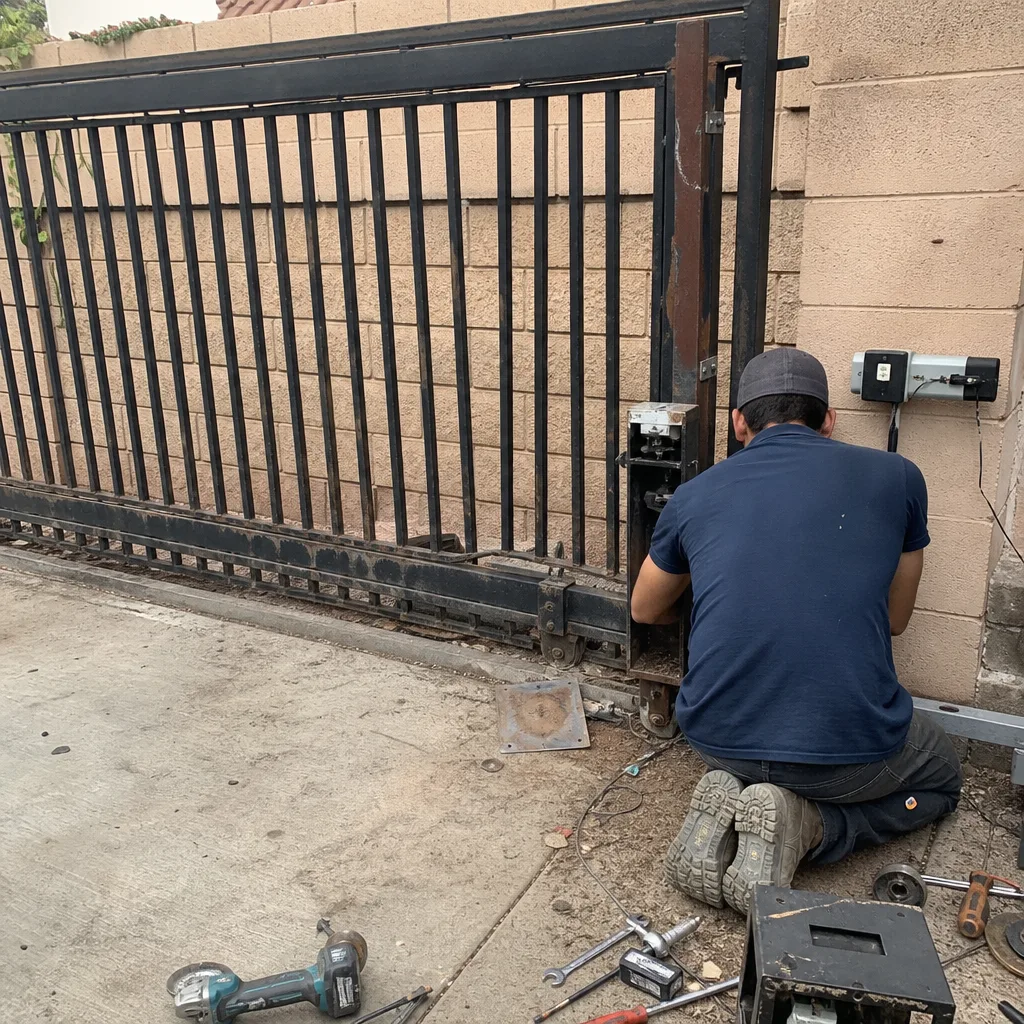 Before
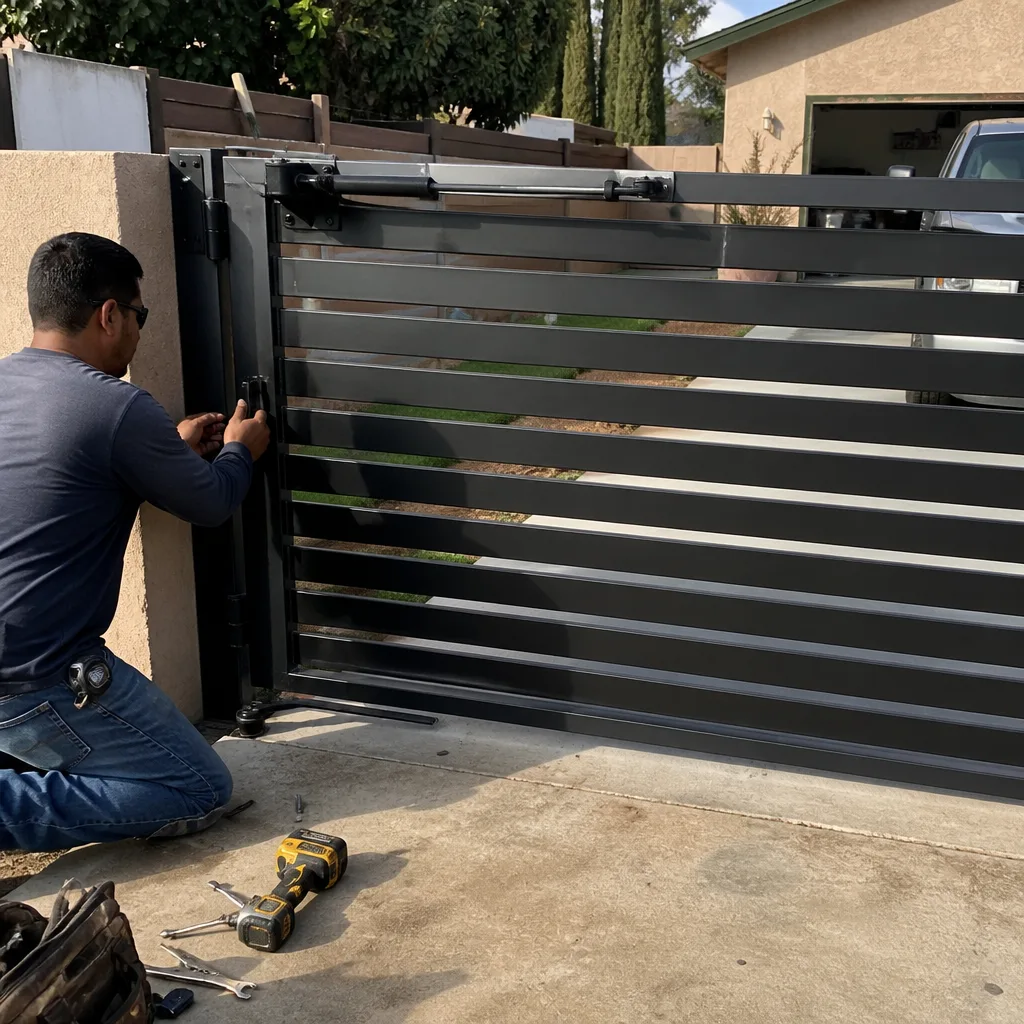 After
After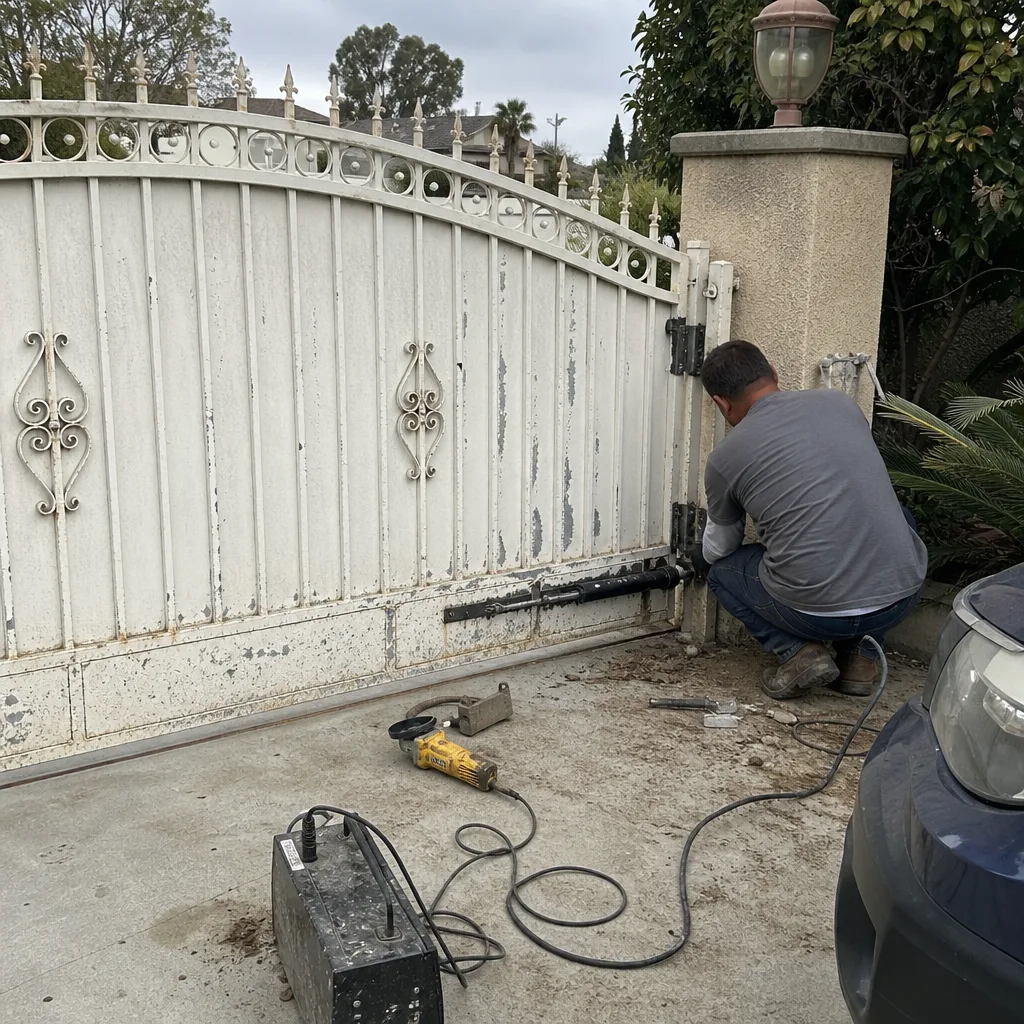 Before
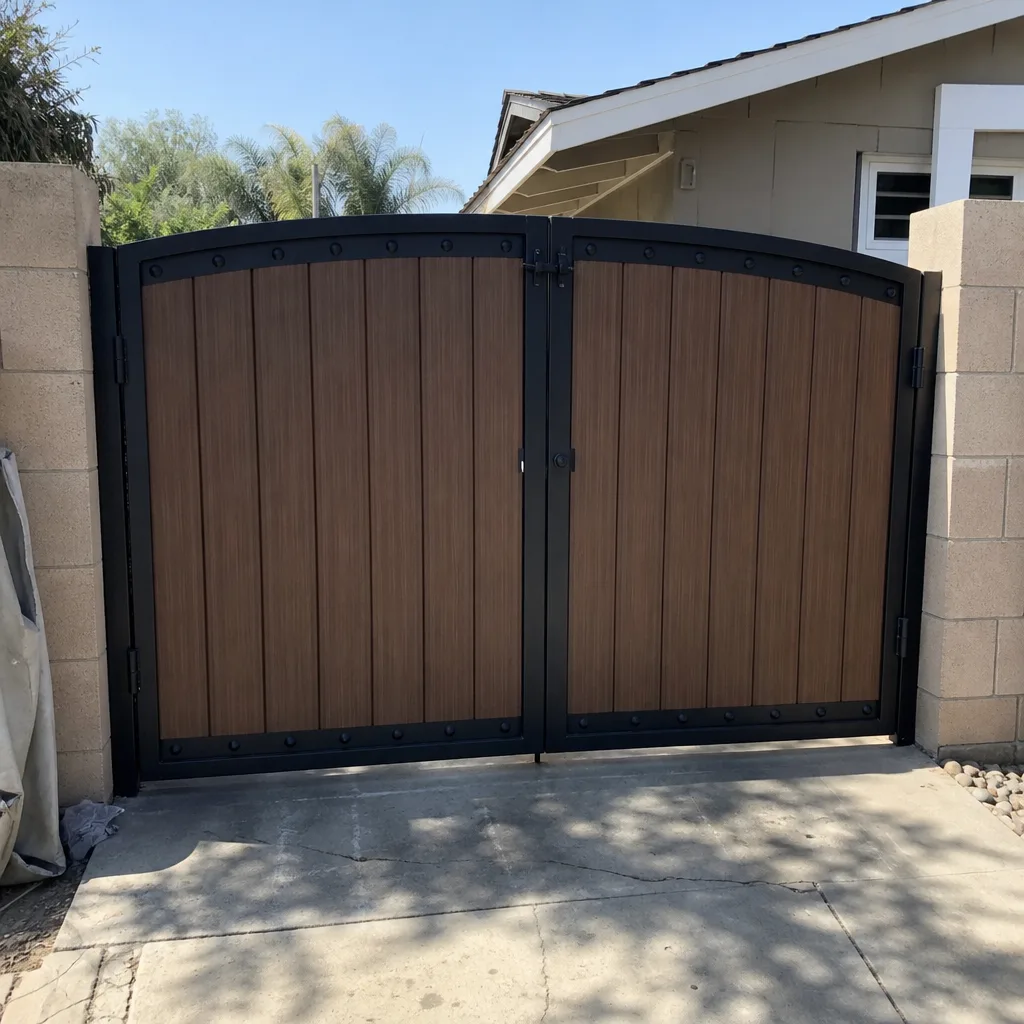 After
After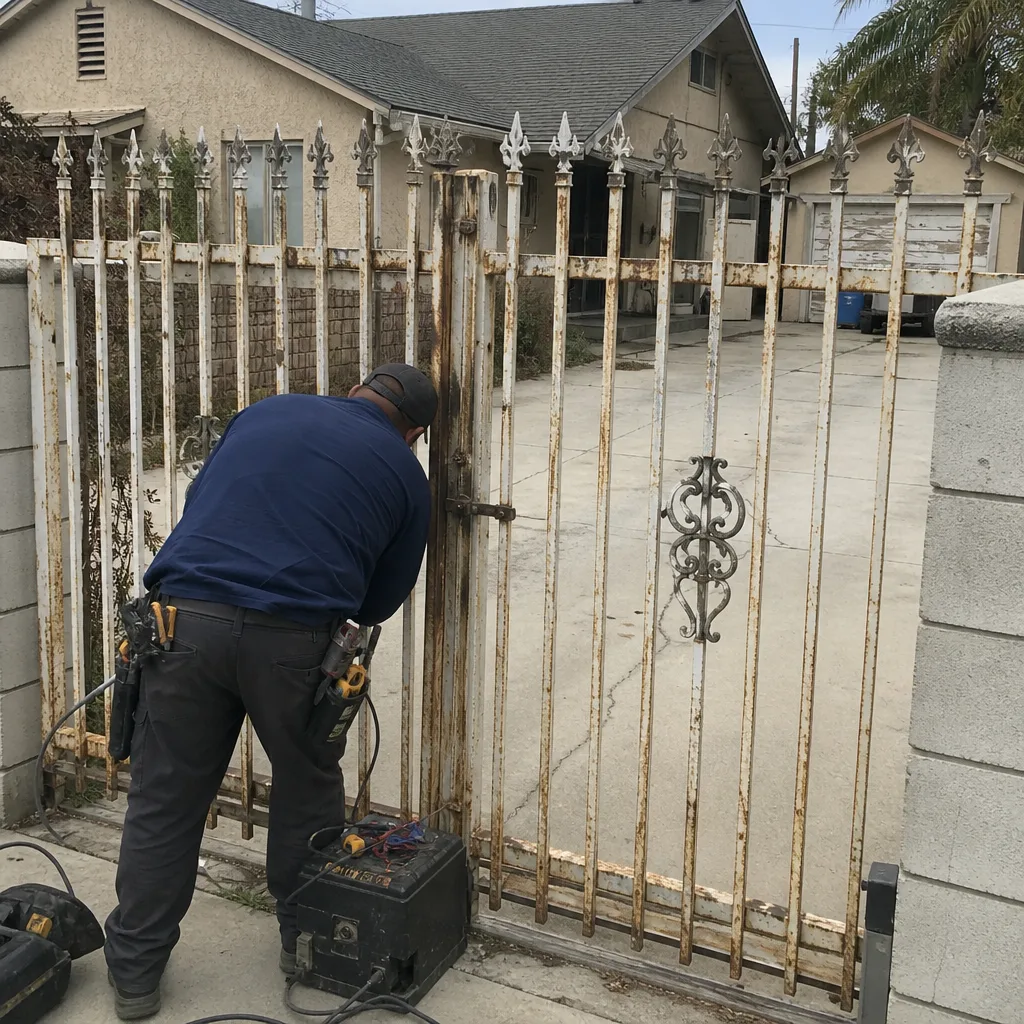 Before
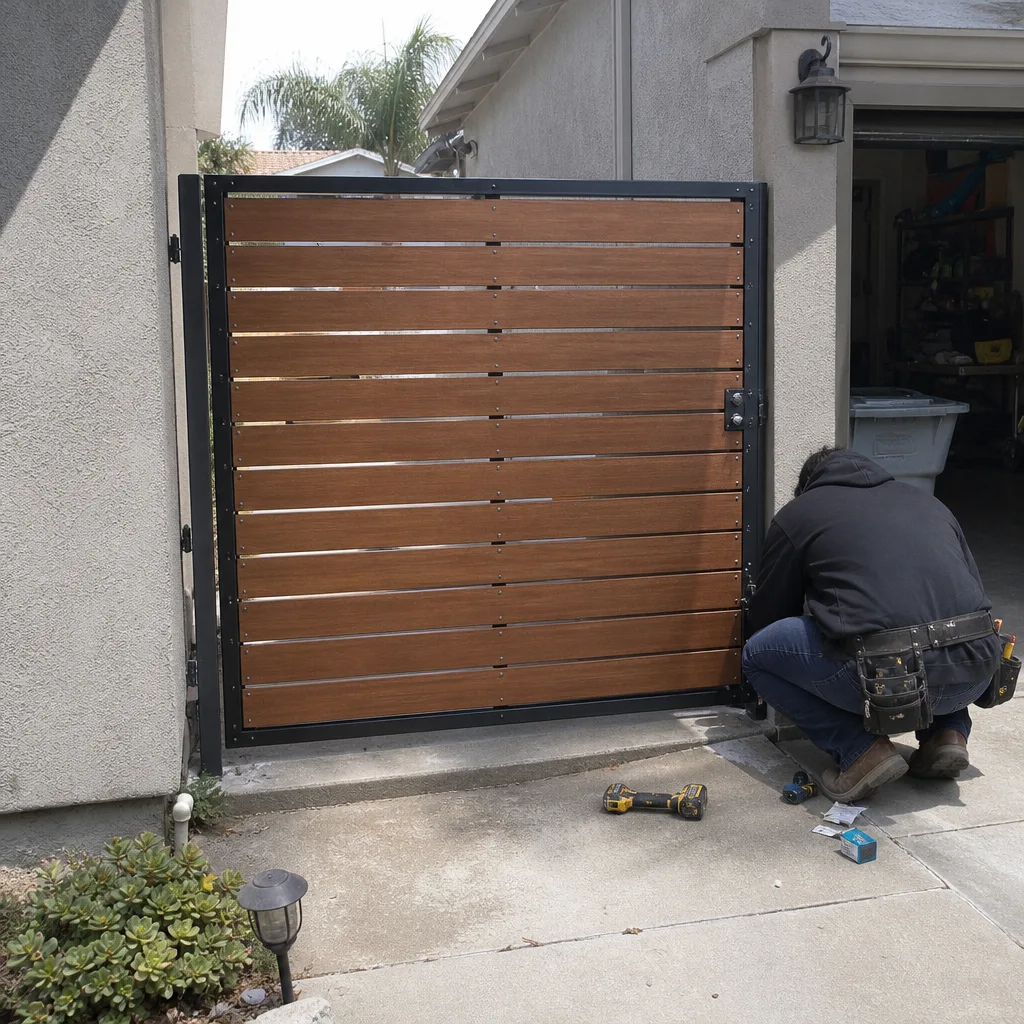 After
After